PLC vs SCADA: What Each One Actually Does in a Plant
A PLC is the hardware controller that runs the machine: it reads inputs, executes logic every few milliseconds and drives outputs. SCADA is software above one or many PLCs that displays, trends, alarms and logs what they do. The PLC controls; SCADA supervises. An HMI is the operator screen for one machine.

What Is the Difference Between PLC and SCADA?
The HMI is in the table because most of the confusion between PLC and SCADA is really confusion about what the operator panel does.
Swipe the table sideways to see every column →
| Feature | PLC | HMI | SCADA |
|---|---|---|---|
| What it is | Industrial controller: hardware with I/O, in the panel | Operator touch panel on the machine | Software on a PC or server, with viewing clients |
| Main job | Runs the control logic and drives the outputs | Shows and sets one machine's values | Supervises many controllers: view, alarm, log, report |
| Timing | Deterministic scan, typically 1–10 ms | Screen refresh, about 100 ms and up | Polls every 250 ms to a few seconds; not a control loop |
| Talks to | Sensors, transmitters, valves, drives, I/O modules | One PLC, sometimes two | Many PLCs and RTUs, and other data sources |
| Data it keeps | Live values and short buffers in memory | Little; some panels log to an SD card or USB stick | A historian with months or years of trends |
| Alarms | Logic that raises alarm bits | Local alarm banner and list | Central alarms with history, acknowledgement, email or SMS |
| Users | None directly, it simply runs | One operator, at the machine | Several users, on the plant network or remotely |
| Scale | One machine or panel | One machine | A line, a plant or several sites |
| If it fails | The machine stops | The machine runs, the operator is blind | Control continues; you lose visibility, alarms and logging |
| System cost | Lowest | Medium | Highest |
Cost here is the whole system: controller and I/O, panel, and for SCADA the licence, server and engineering to build the screens.
How a PLC and a SCADA System Work
PLC: runs the machine, scan after scan
A programmable logic controller repeats one cycle for as long as it is powered: read every input, execute the program, write every output, repeat. A small machine controller finishes that scan in a few milliseconds, and it does so whether or not anyone is watching and whether or not the plant network is up.
That repeatable timing is why safety interlocks, sequences, motion commands and PID loops live in the PLC. Add remote I/O modules when the signals are spread across a big machine, and the controller still sees them as its own inputs and outputs.
SCADA: supervises, records and reports
SCADA stands for Supervisory Control And Data Acquisition. It is software on a PC or server that polls the PLCs over a network, draws the plant on screen, raises and records alarms, stores every tag in a historian and turns that history into trends and reports.
Supervisory control means SCADA sends setpoints and commands down to the PLC, and the PLC decides what to do with them. Citect SCADA, the package we supply, follows that model: the screens, alarms and history sit above controllers that keep running on their own.
The HMI
An HMI touch panel is the operator's window into one machine. It reads and writes the PLC's tags over a short cable or a local Ethernet link, shows the current step, the setpoints and the faults, and it keeps working when the plant network is down. A PLC-HMI combo puts both in a single unit for compact panels. An HMI is not a small SCADA: it holds almost no history and sees only its own machine.
Where Each One Sits in the Control System
Drawn as layers, the argument settles itself. Field devices sit at the bottom and carry the real signals. The PLC sits directly above them, wired to that I/O, and is the only layer that switches outputs. The HMI hangs off the PLC for the operator at the machine.
SCADA sits at the top on the plant network, talking to many PLCs at once over Modbus TCP, OPC UA, EtherNet/IP or Profinet. Every command an operator sends from a SCADA screen still travels down to a PLC, which decides whether the machine may act on it.
- Supervisory layer (SCADA)
- Control layer (PLC)
- Operator layer (HMI)
Do You Need a PLC, a PLC and HMI, or PLC and SCADA?
A PLC on its own is enough when
- The machine runs a fixed sequence that rarely changes
- Pushbuttons, a selector switch and a few lamps cover the operator's needs
- Nobody has to read numbers off the machine during a shift
- Panel space and cost matter more than on-screen diagnostics
Typical uses: conveyor control, interlocks, pump and level control, simple special purpose machines.
Add an HMI when
- The operator changes setpoints, recipes or batch sizes
- On-screen fault messages would cut downtime and service calls
- You want fewer pushbuttons and less panel wiring
- The data is needed at the machine, not in the office
Typical uses: special purpose machines, filling and packaging machines, test rigs, machine retrofits.
Add SCADA when
- Several machines, lines or sites must be watched from one place
- Trends and records have to survive longer than a shift
- Sites are remote or unmanned and alarms must travel
- The plant needs batch, energy, downtime or OEE reports
Typical uses: water and effluent plants, utilities and boiler houses, pharma and chemical batch plants, multi-line factories.
Which Stack for Which Plant
The usual answer for common machines and plants. The final scope always depends on the I/O count, who needs the data and what has to be recorded.
Swipe the table sideways to see every column →
| Machine or plant | Usual stack | Why |
|---|---|---|
| Single special purpose machine or test rig | PLC + HMI | One operator at the machine, a handful of setpoints, no plant reporting |
| Filling or packaging line with recipes | PLC + HMI, SCADA optional | Recipes and changeover live in the PLC; SCADA is added when output and downtime must be reported |
| Multi-line factory with OEE and downtime reports | PLC + SCADA | Every line in one view, with history that outlives the shift that made it |
| Water supply, effluent plant, pumping stations | PLC or RTU + SCADA | Sites are spread out and unmanned, so remote visibility and travelling alarms are the whole point |
| Pharma, food or chemical batch process | PLC + HMI + SCADA | Batch records, user access control and traceable trends are a compliance requirement, not a nicety |
| Boiler house, compressor room, utilities | PLC + SCADA | Few operators, many points to watch, and energy that has to be accounted for |
| Fuel dispensing and consumption monitoring | Controller + SCADA or reporting software | Consumption per vehicle, shift and tank only has value once it is logged and reported. See fuel consumption systems |
| Retrofit of an old machine | PLC + HMI first | Get deterministic control and a modern panel in place, then add SCADA once the tag list is tidy |
Plant not listed? Send us the I/O list and we will scope the controller, panel and software.
How to Scope a System: A 6-Step Checklist
- Split control from supervisionWrite two lists: what must be switched, sequenced or regulated, and what only needs to be seen and recorded. The first list sizes the PLC. The second decides whether you need SCADA at all.
- Count the I/O and note where it sitsDigital in, digital out, analog in, analog out, plus the drives and instruments on a network. If the signals are spread across a long machine or several panels, remote I/O modules cost less than long cable runs.
- Decide who needs the data, and whereAt the machine, an HMI is enough. In a control room, an office or another site, that is a SCADA client. The answer to this question is usually the answer to the whole question.
- Set the retention and reporting requirementHow long must trends be kept, what reports are needed at shift or batch end, and does anyone audit who changed a setpoint. This sizes the historian, the licence and the server, and it is the step most often skipped.
- Plan the network and the protocolFix the protocol between PLC and SCADA early: Modbus TCP, OPC UA, EtherNet/IP or Profinet. Keep the control network separate from the office LAN, use a managed switch and a fixed IP plan, and write the tag names down once for both systems.
- Add up the whole system costController and I/O, panel and HMI, SCADA licence by tag count, client stations, engineering time and who will maintain it after handover. A cheap licence with a costly tag structure is not a saving.
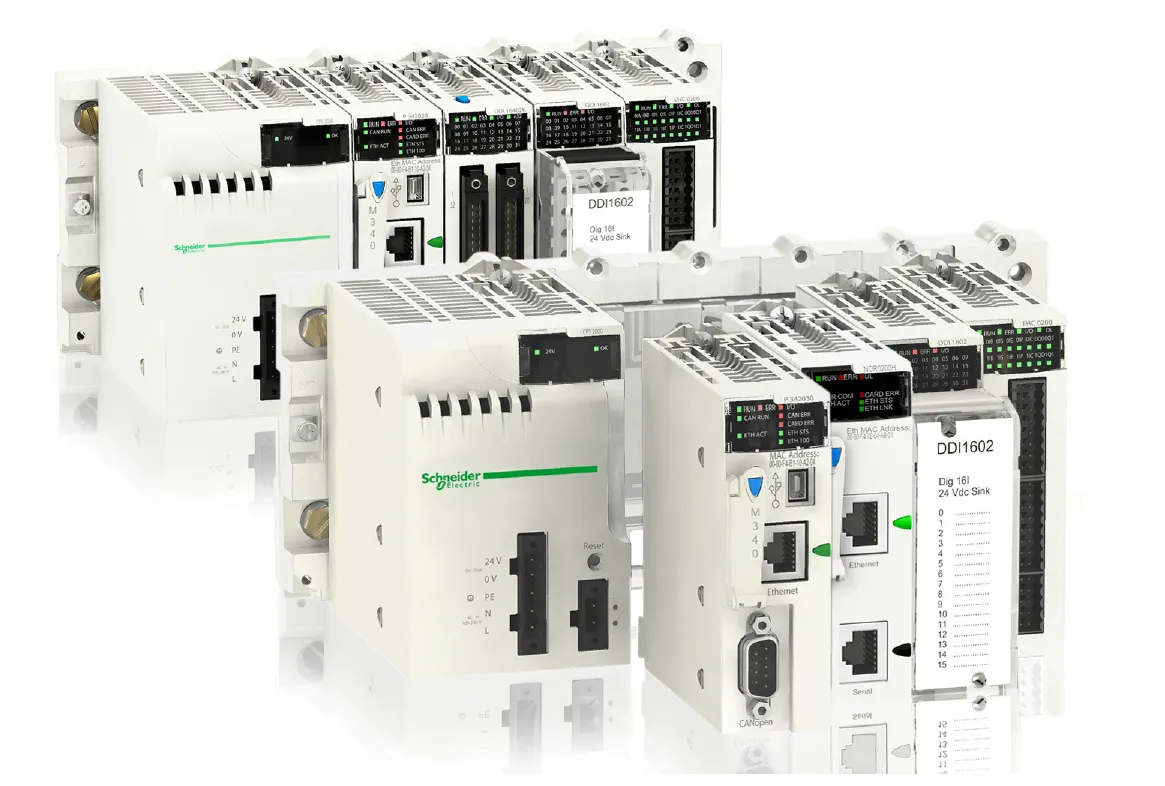
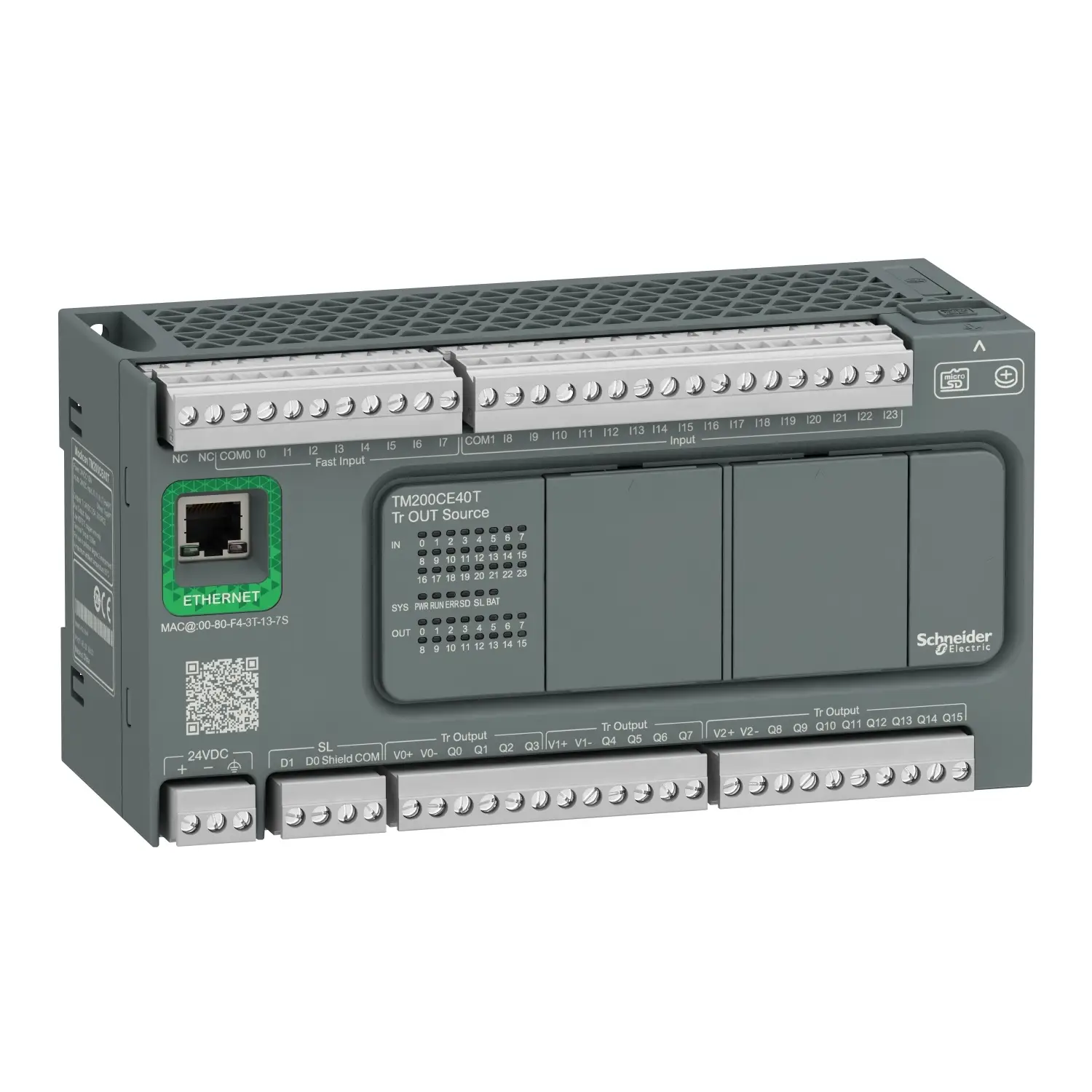
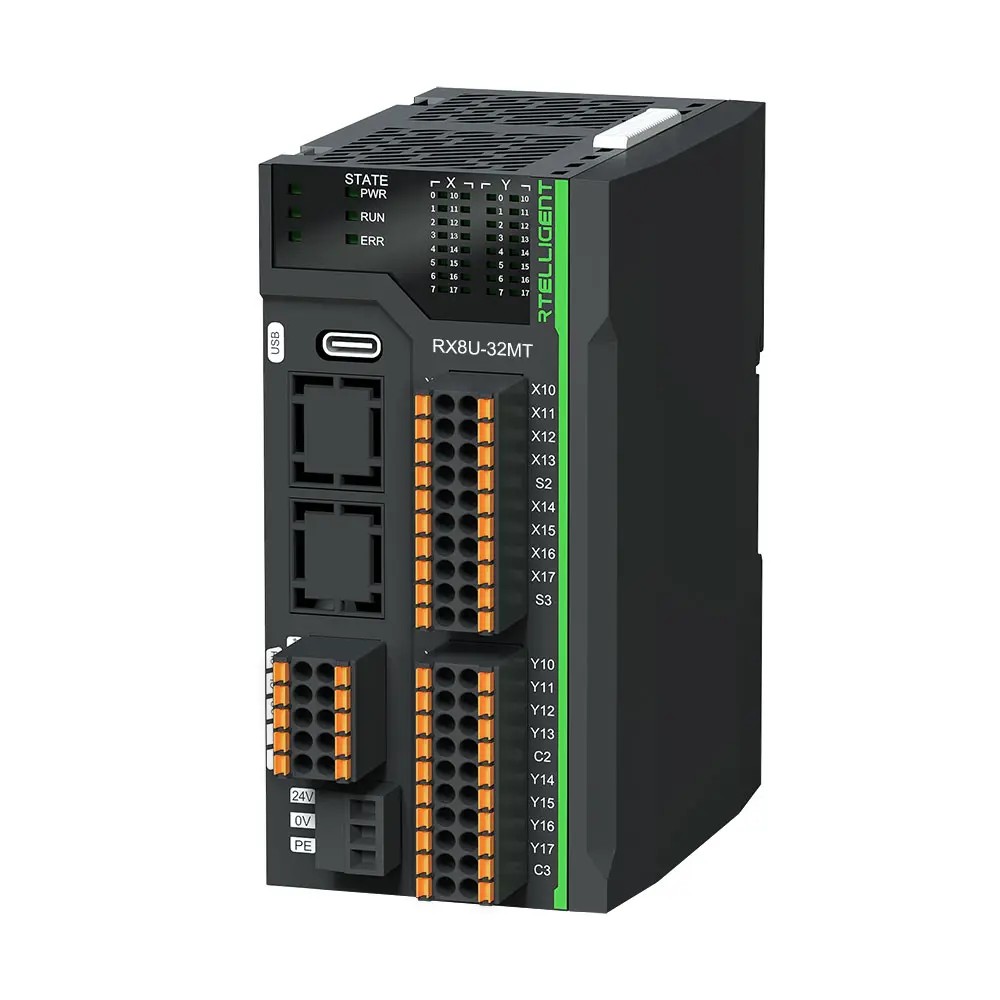
PLC, HMI and SCADA Products We Supply
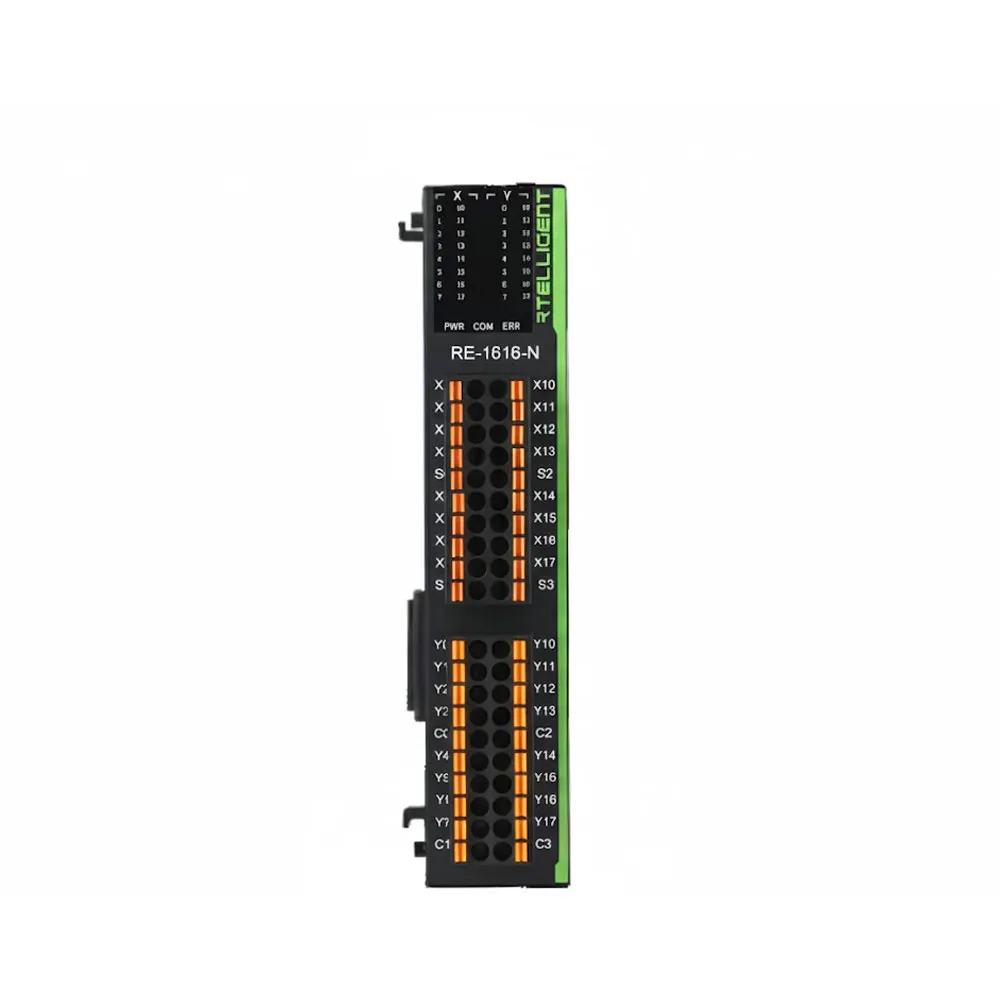
Controllers, operator panels, distributed I/O and SCADA software, with help to scope them for your machine or plant before you buy.




Not Sure What Your Plant Needs? Ask Our Engineers
Share the I/O count, the machines involved and what has to be recorded. We scope the PLC, HMI and SCADA software to match, and call back during business hours.
- Authorised Schneider Electric partner
- Supply across Gujarat and all India